
Sunny
QuickBooks Setup, Cleanup & Migration
6+ years in accounts work
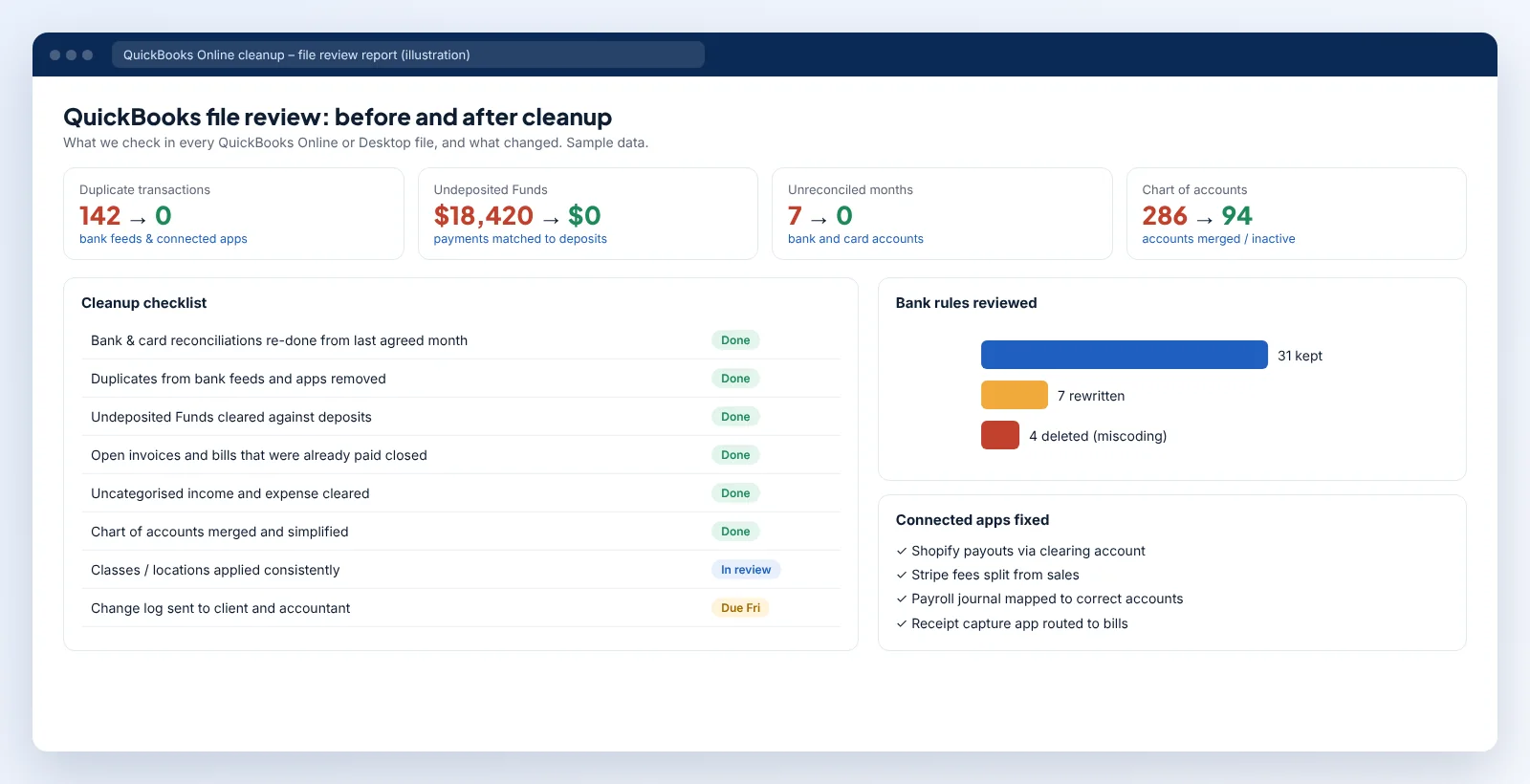
A messy QuickBooks file usually has the same handful of problems: duplicate transactions from bank feeds and connected apps, a growing Undeposited Funds balance, reconciliations that no longer balance and a chart of accounts that has grown to hundreds of lines.
We start with a file review and send you a written list of what's wrong and what it will cost to fix. Then we fix it in a sensible order, re-reconcile every account and show you what changed.
QuickBooks Setup, Cleanup & Migration
6+ years in accounts work
We avoid changing periods that have been filed. Where a correction is needed in a filed period, we flag it to you and your accountant first.
Yes. We clean up Desktop files and can migrate them to QuickBooks Online afterwards.
Invite us as a user from QuickBooks settings. You can remove access whenever you like.
Online & remote
Everything is done online. Your QuickBooks expert works inside your own accounting software through user access you control, shares files through secure links and joins video calls when it's quicker than email. Skipping office overheads is what keeps rates from $15/hr / £12/hr / A$25/hr.
Calls are booked in your time zone, wherever you are.
Post your projectPost your project: the software, the months involved and what needs doing. A screenshot or sample file helps.
A named QuickBooks expert reviews it and sends a fixed price and timeline. A free NDA is available before you share anything.
You invite us as a user in QuickBooks, Xero, Sage, MYOB or Excel, or share exports through a secure link. We never ask for banking passwords.
The work happens online while you run the business. You get a short summary of what changed and a call whenever it helps.
Calls are booked in your local time zone. Work you send before the end of your day is usually updated by the next morning.
Describe the job in a few lines and we will come back with a fixed price.
Hire a QuickBooks Expert