Case study
Rolling a Combined Budget vs Actual Workbook Into a New Financial Year
A multi-entity budget workbook rebuilt for a new July–June financial year, with monthly budget vs actual figures, full-year totals and variance analysis.
- Client
- Annette
- Sector
- Group of Australian advisory businesses
- Location
- Australia
- Scope
- FY2022–23 (July–June): 12 monthly sheets plus budget, actual and variance summaries
- Tools
- Excel tables, lookups, SUBTOTAL
The Brief
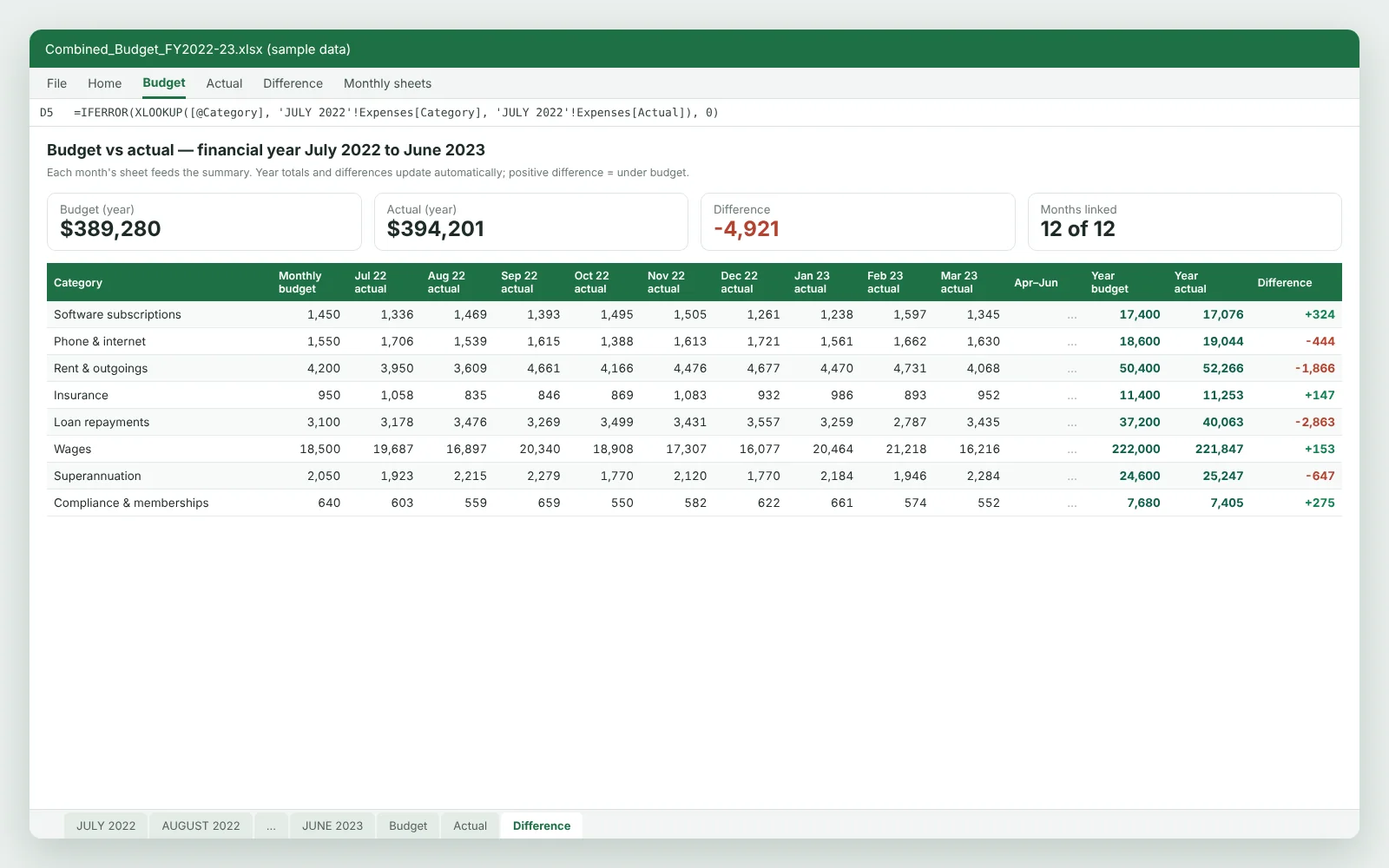
The client had a combined budget workbook built for the previous financial year. Once it was copied for the new year, none of the formulas worked. She needed every figure across each month, plus end-of-year totals, actuals and differences.
The Challenge
The workbook combines several related businesses. Each month has its own sheet with projected and actual income by stream (including a deduction for accounts receivable not yet collected) and expenses grouped by entity and cost type: software and subscriptions, rent and outgoings, insurance, loan principal and interest, wages, superannuation, compliance and tax instalments.
Budget, Actual and Difference summaries pull from all twelve months. When the file was copied, those links broke and returned #REF! errors. IFERROR hid them, so every summary cell showed zero, and column headings still referred to the previous financial year.
What we delivered
- Monthly budget and actual figures flowing through to the summaries again
- Full-year totals and line-by-line variances for income and every expense category
- A documented routine for rolling the workbook into the next financial year
What We Built
- Summary links rebuilt so each line reads its matching table on every monthly sheet
- Columns rolled forward to the July 2022 – June 2023 financial year
- Budget, Actual and Variance summaries by income stream and expense category, for every month
- Full-year budget, full-year actual and variance (favourable or adverse) for each line
- Projected vs actual balance for each month, after income and expenses
- Control checks that every summary total reconciles to the monthly sheets
How We Approached It
Diagnose the zeros
Traced the hidden #REF! errors behind IFERROR to summary links that had lost their source sheets during the copy.
Reconnect and reconcile
Pointed each summary line at the matching monthly table, then reconciled summary totals to the monthly sheets for both budget and actual.
Build for the next roll-forward
Laid out the workbook so the next financial year means copying the month sheets and updating period labels, not rebuilding formulas.
Accounting Terms in This Project
- Budget vs actual
- Comparing planned figures with what actually happened, month by month and for the full year.
- Variance analysis
- Measuring the difference between budget and actual: favourable when income is higher or costs are lower, adverse when the reverse happens.
- Financial year roll-forward
- Carrying a workbook into the next July–June year so formulas, periods and opening figures line up.
- Loan principal vs interest
- Splitting repayments, because only the interest is an expense; the principal reduces the loan balance.
- Reconciliation checks
- Control totals proving the summary agrees with the detail it is built from.
More Case Studies
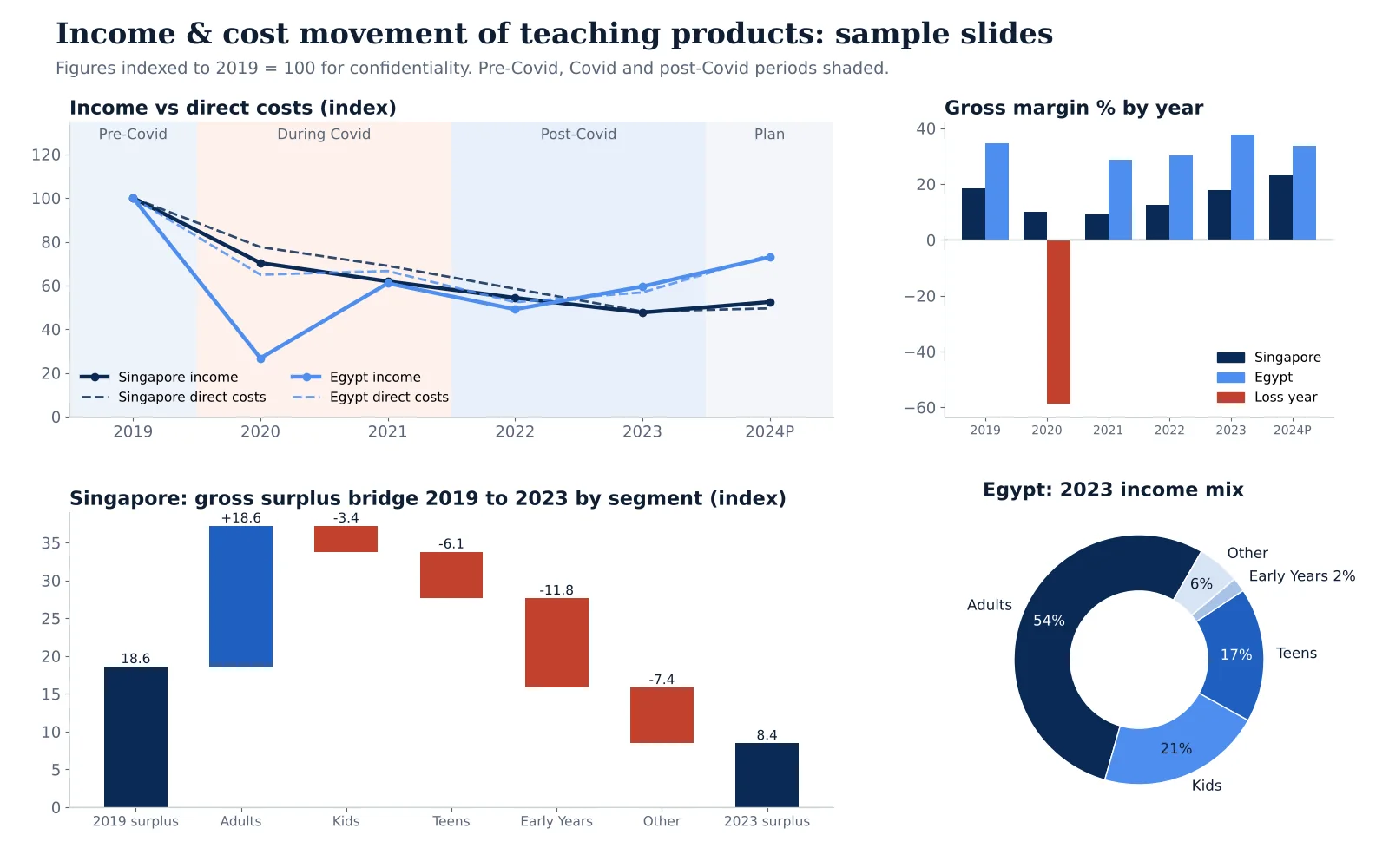 Education provider (teaching products)
Segment P&L Analysis of Teaching Products Across Two Markets
Six years of product-level income statements analyzed for income, direct cost and gross margin movement before, during and after Covid, presented market by market.
Read the case study →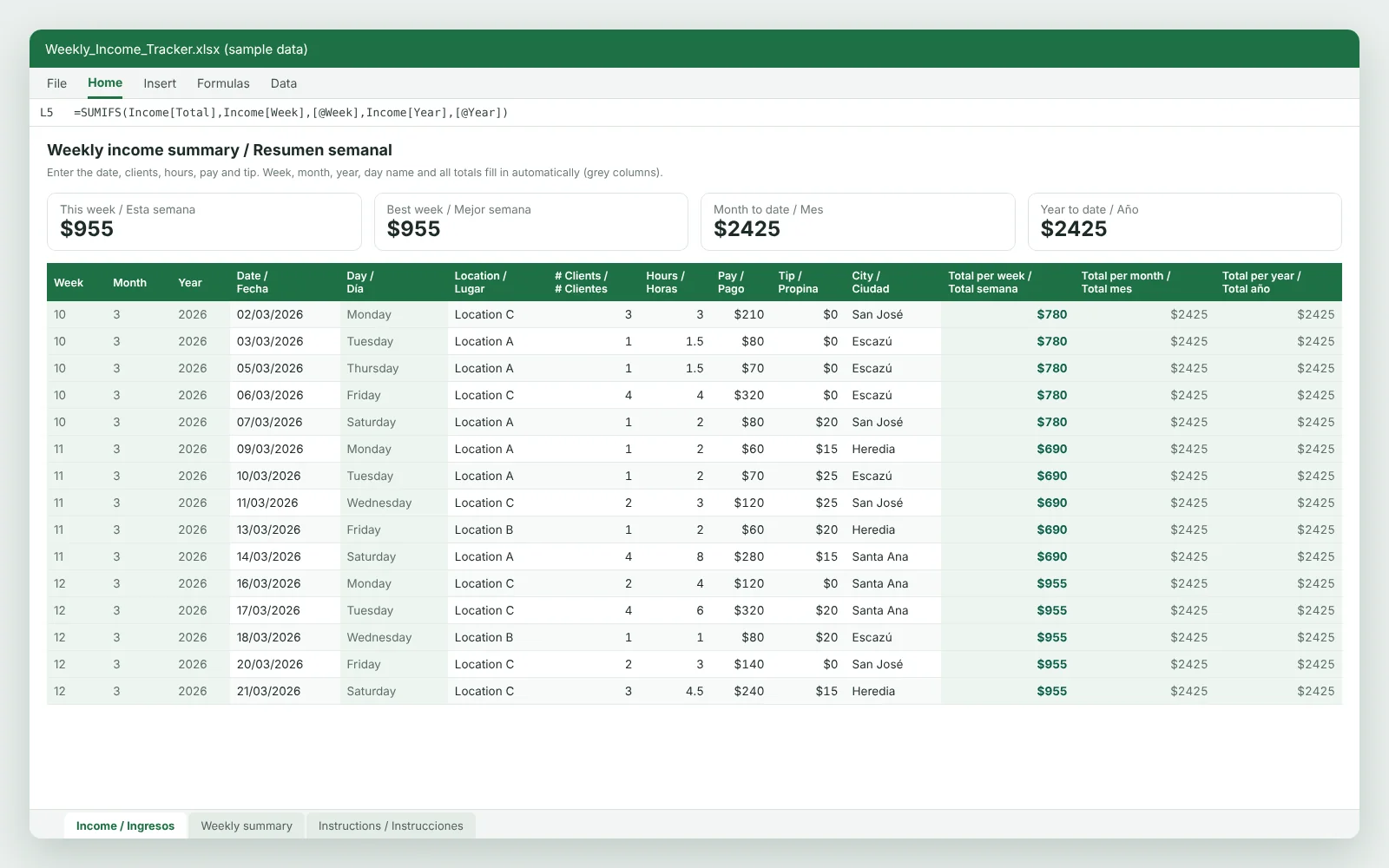 Self-employed income records
A Bilingual Income Ledger With Weekly, Monthly and Yearly Totals
A one-sheet English and Spanish income ledger that rolls daily pay and tips up into weekly, monthly and year-to-date totals.
Read the case study →Have a similar job?
Send us the file or a short description. You'll get a fixed price within a few business hours.
Hire an Excel Accounting Expert